
Wednesday, 09 April 2020

To configure Siebel searches to be case-insensitive, case-sensitive, follow these steps:
- We identify the “applet, business component, table” objects involved.
- Under the object “Table”, we go to “Column”
- In the “Default Insensitivity” property, we put “DB Case & Accent” instead of the default value which is “None”.
This simple change means that when searches are made in which the columns of the table that we have modified are involved, they are insensitive to case, lowercase or accents.
To speed up the change in all the columns of a table, we can access the local database with the tool provided during the installation:
- \Siebel Client installation directory\client\bin: dbisql.exe
- We access our local database by entering its path, username and password:
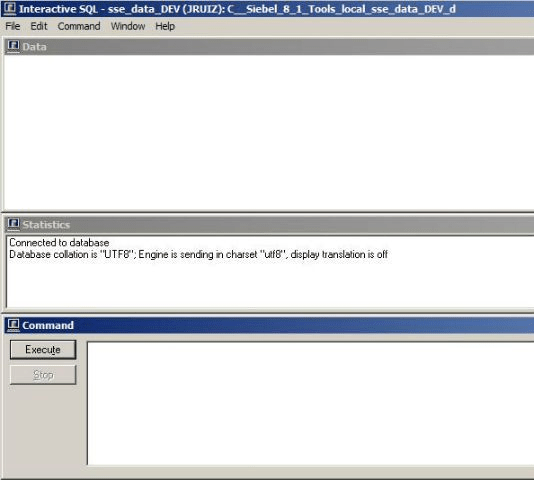
Once we have found the ROW_ID of the table that we want to modify (on the table in tools, click “Help / About Record / Details” and it gives us the row_id of the object in the local database), we execute an UPDATE on all the columns of a given table:

